
Canadian healthcare is going digital fast. Patients no longer want to wait on hold for 20 minutes to book an appointment. They don’t want to drive across town just to pick up test results. They expect convenience from their doctor’s office, just like they get from their bank.
According to Canada Health Infoway, about 70% of Canadians want digital access to health services such as online appointment booking and viewing medical records.
That’s the majority of your patients asking for online healthcare management.
Most medical practices freeze up when it comes to medical website design. PIPEDA violations worry them. Patient portal choices confuse them. Canadian data storage requirements create uncertainty.
So they wait. And their patients grow frustrated.
This guide will help you move forward. You’ll learn about compliance requirements, patient portal setup, and security basics. We’ll cover design principles that work for Canadian medical practices.
Your patients want a better digital experience. Let’s build it for them.
Why Medical Websites Require a Different Approach Than Regular Business Websites
You may have a banking app in your mobile. You trust it with your money, right? Now think about putting your cancer diagnosis, mental health records, or HIV status on a website.
That’s what patients do with medical websites every single day.
Healthcare Websites Handle Sensitive Data and Legal Responsibilities
Your website is more than just an online brochure. It’s a vault that keeps people’s most private information safe.
One mistake can expose everything. Medical histories. Lab results. Medication lists. Insurance details. The kind of information that ruins lives if it falls into the wrong hands.
PIPEDA doesn’t care if you “didn’t know.” Break the law, and you’ll face investigations. Fines pile up. Lawsuits follow. Your provincial college starts asking questions. And good luck finding malpractice insurance that covers “we had weak passwords.”
Every form on your site needs protection. That “Contact Us” page where patients describe their symptoms? It needs encryption. The appointment scheduler? It should be compliant. Even your Google Analytics setup can accidentally capture health data if you’re not careful.
Patient Behavior and Trust Signals in Healthcare Decisions

Patients Google you before they ever call your office. Your website is their first impression. An outdated design makes them wonder if your medical knowledge is stuck in 2010, too. Harsh? Maybe. True? Absolutely.
People read reviews obsessively before choosing a doctor. Display them prominently. Make them easy to find. Verified reviews tell patients they can trust you.
Show your credentials front and center. Where did you train? What are you certified in? Patients want proof they’re in good hands. Don’t make them hunt for it.
Bad user experience hurts real people. If someone can’t figure out how to book an appointment online, they might put it off. That delayed care can turn a small issue into a big problem. Healthcare website development isn’t just about looking good; it’s about removing barriers to care.
Here’s the truth: Your cousin who builds WordPress sites won’t cut it. Patient portal development requires deep knowledge of privacy laws, security protocols, and accessibility standards. Healthcare-specific teams have already solved these problems dozens of times. They know what works and what gets you in trouble.
You wouldn’t let a general contractor perform surgery. Don’t let a general web designer handle your medical website.
Compliance Requirements for Medical Websites in Canada
The majority of clinic owners believe that an SSL certificate and privacy policy page are sufficient. That’s like thinking a smoke detector is enough to prevent fires.
Real compliance goes much deeper. It protects your patients, shields your practice from lawsuits, and keeps your license intact.
Privacy Laws and Patient Data Protection (PIPEDA and Provincial Regulations)
PIPEDA controls how you collect, use, and store patient information. Every clinic website in Canada must follow these rules. “I didn’t know” won’t help you when regulators come knocking.
The law demands clear consent before collecting personal data. No pre-checked boxes. No buried terms in tiny font. Your patients need plain language they can actually understand.
Storage location matters more than you think. Canadian privacy law often requires patient data to stay on Canadian servers. Your bargain hosting provider in Arizona? That’s a problem. Ask your host exactly where your data lives.
Provincial laws pile on extra requirements. Quebec runs its own privacy legislation. Alberta and BC have health-specific rules. Ontario’s PHIPA covers healthcare providers specifically. Federal law sets the floor, but your province might demand more.
Accessibility Standards Clinics Must Follow (AODA & WCAG)
Healthcare serves everyone. Your website should too. Ontario’s AODA requires healthcare providers to meet WCAG 2.0 Level AA standards. Other provinces are catching up with similar laws. Even without legal pressure, accessible design is just good medicine.
What does this look like in practice?
- Screen readers need to work so blind patients can book their own appointments
- Someone using only a keyboard should navigate your entire site
- Patients with vision problems need good color contrast to read your content
- Images need alt text descriptions
- Add captions to any videos you post
Accessible design helps your 80-year-old patients who aren’t tech experts. It helps someone with a broken arm trying to book a follow-up. It helps a parent juggling a crying baby while requesting a prescription refill. Better design helps everyone.
Security Expectations for Healthcare Websites
Security in healthcare isn’t a nice-to-have feature. It’s the foundation your entire practice sits on.
SSL encryption is non-negotiable. That “https” in your web address encrypts everything moving between patients and your server. Without it, someone at Starbucks can steal patient data off the shared WiFi. Your bank demands it. You should, too.
Choose hosting that understands healthcare. Generic hosting companies don’t get compliance needs. Look for regular backups, intrusion detection, and monitoring that never sleeps. That $5/month hosting deal? It’s leaving your patients exposed.
Not everyone needs access to everything. Your receptionist doesn’t need the same system access as your office manager. Set different permission levels. Track who views what and when. Make everyone use strong passwords plus two-factor authentication.
Stop problems before they start. Software updates aren’t optional. Outdated plugins are how most hackers break in. Run security scans every month. Know what you’ll do if something goes wrong.
Professional web development services ensure security for your site from the start. Trying to add it later costs more and leaves dangerous gaps.
Your Compliance Checklist:
Create and update a PIPEDA-compliant privacy policy.
Get patient permission before collecting data. Only store data on Canadian servers.
Find out what your province needs beyond federal law.
Be WCAG 2.0 Level AA accessible.
Purchase an SSL certificate.
Make sure your hosting meets healthcare compliance.
Give your team different access levels
Enable two-factor authentication on all compatible devices.
Set up monthly security updates
Write down what you’ll do if there’s a breach
Keep this checklist handy. Check it every three months. Compliance isn’t something you finish and forget. It’s an ongoing promise to protect the people who trust you with their lives.
Essential Features Patients Expect From Modern Healthcare Websites
Your patients judged your website in about three seconds. That’s how long it takes them to decide if you’re legitimate or if they should look elsewhere.
They’re not being unfair. They’re being careful with their health.
Modern patients expect certain features the moment they land on your site. Miss these basics, and they’ll assume you’re behind the times in other ways too.
Core Functional and Trust-Building Features
Last time you looked up a restaurant? You wanted the menu, location, hours, and reviews. Patients expect the same clarity, but with higher stakes because they trust you with their lives.
- Doctor profiles: People want to know who’s treating them. Where did you study? How long have you practiced? What’s your approach to care? A photo helps too. It makes the relationship feel real before they even walk in.
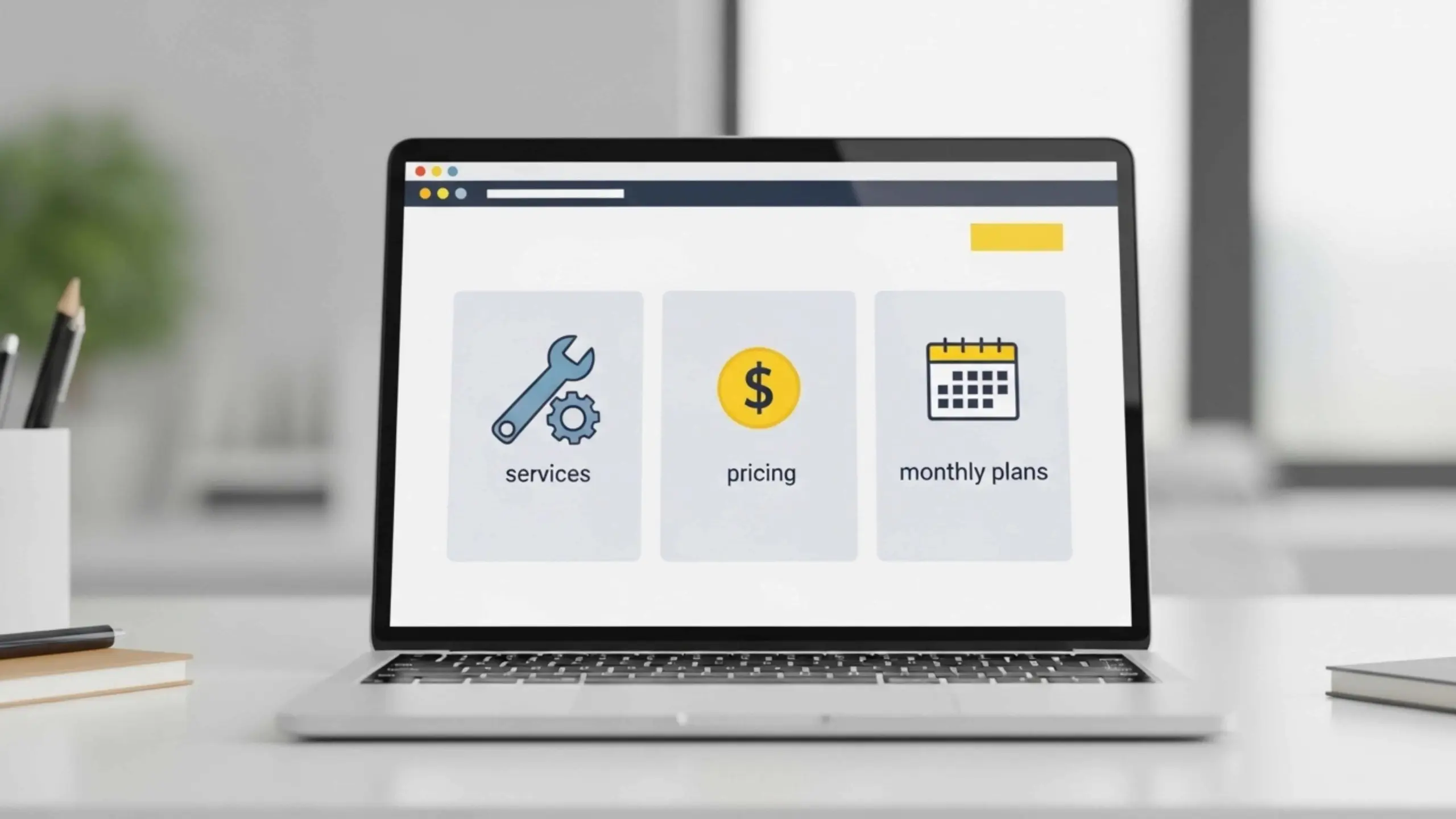
- Services pages: Don’t make patients guess what you offer. List your services clearly with descriptions that explain what each one involves. Patients shouldn’t need a medical degree to understand what you do.
- Insurance information: This question stresses everyone out. Which plans do you accept? Do you direct bill? Answering upfront saves your reception staff dozens of calls every week.
- Testimonials: Real reviews from patients build trust faster than anything you write about yourself. Video testimonials are even better.
- Educational resources: Share blog posts, FAQs, or videos about common conditions. When patients understand their health better, they make better decisions and follow treatment plans more consistently.
- Clear contact information: Put your phone number and address where people can find them immediately. Burying contact info makes patients wonder what you’re hiding.
- Maps and directions: Embed a map. List parking options. First-time patients already feel nervous, don’t make them lost too.
Quality medical website design weaves these elements together without overwhelming visitors. Everything should feel organized and easy to find.
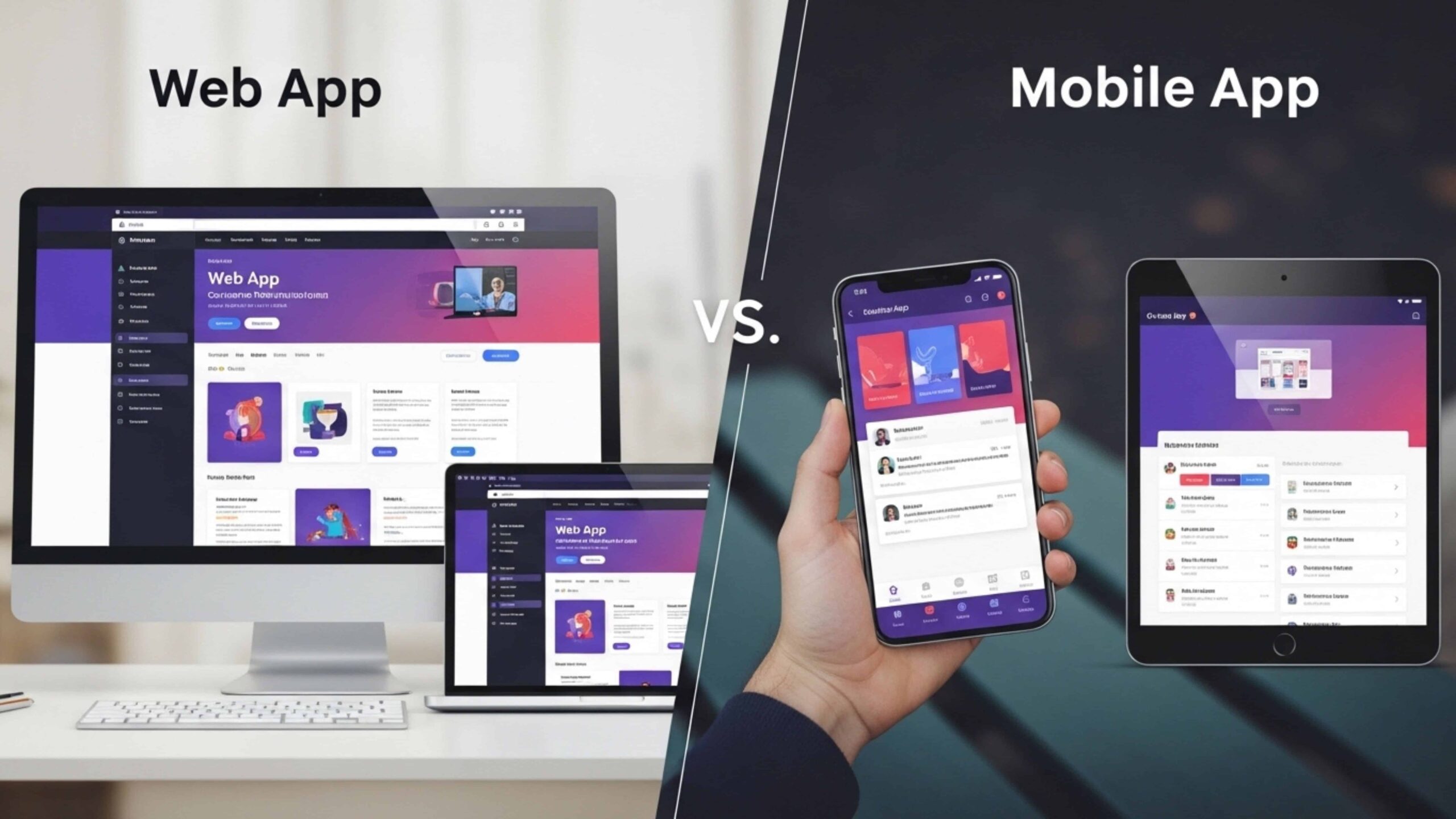
Most patients now browse on their phones. A mobile app development company will tell you that mobile traffic dominates healthcare searches. Your site must work perfectly on small screens. Buttons need to be thumb-sized. Text should be readable without zooming. Forms should be simple to fill out. If your site frustrates mobile users, they’ll book with someone else before they even reach their desk.
Patient Portal Setup: Benefits, Capabilities, and Implementation

Patient portals aren’t luxury features anymore. They’re what patients expect when they choose a healthcare provider.
The right portal transforms your practice. The wrong one creates more headaches.
What a Patient Portal Typically Includes
A good patient portal lets people take charge of their own health care. They take care of everything without having to call your office.
- Secure login access: Each patient gets their own login information. Two-factor authentication adds extra security, just like banking apps do.
- Medical records viewing: Patients can look at their medical records at any time, including lab results, imaging reports, and summaries of their visits. No more calls asking, “Did my results come in yet?”
- Appointment management: People book, reschedule, or cancel on their own time. Your staff stops playing phone tag.
- Messaging with providers: Patients can send non-urgent questions to their care team. Once written, everything stays documented there.
- Prescription requests: The portal handles prescription refill requests instead of phone calls. You approve with a few clicks.
- Billing and payments: Patients can view and pay their bills. Faster collections. No more awkward money talks are needed.
Operational and Patient Experience Benefits
Portals cut your admin work dramatically. Your reception staff stop answering identical questions all day. They actually help patients who need human support.
Communication gets so much easier. Everything lives in one system. Messages don’t vanish into thin air. Patients get written responses. They can read them again later. Your team stops playing phone tag. Mix-ups drop to almost zero.
Patients stick with practices that make life easy. Think about it. Someone books appointments at midnight in their pajamas. They won’t switch providers easily. Smart patient portal development builds loyalty that goes way beyond good medical care.
Satisfaction shoots up when you remove hassles. Patients hate waiting on hold. Nobody likes that. They hate driving to your office just to grab a form. But they love fixing problems on their own. Happy patients write glowing reviews. They tell their friends about you.
Cost Considerations for Clinics in Canada
Portal pricing confuses most clinic owners. The range is huge. Small practices pay $100-300 each month for basic portals. These connect to popular EMR systems. You get appointment booking. You get secure messaging. Solo practices find this works fine. Small clinics too.
Want your own branding? Mid-range solutions cost $500-1500 monthly. You get custom forms. Better reporting tools. A portal that looks like yours. Not some template everyone uses. Most family practices upgrade here after their first year.
Big operations need more power. Enterprise portals start at $2000 per month. They handle multiple locations easily. Complex workflows? No issue. They connect to hospital networks. Multi-provider specialty clinics need this level.
Custom portals cost $30,000-100,000 or more. That’s a big number. But here’s the thing. You own it completely. No bills every month forever. Every feature works your way. Larger organizations make the math work.
Here’s How to Decide
Pick a third-party if you have fewer than 5 providers. Simple as that. Your costs stay predictable. Updates happen automatically. You’re running in weeks. Not months. Jane works great. So do Telus Health and CloudMD. All were built for Canadian practices.
Build custom when standard options don’t fit your workflow. Maybe you run specialized intake processes. Maybe you need deep research database connections. Custom makes sense for large organizations. Especially ones with very specific needs.
Most practices should start with a third party. You can switch to custom later. By then, you know what patients actually want. Starting with custom often means wasting money. You build features nobody touches.
Online Appointment Booking Systems and Workflow Automation
Your website should do more than look nice. It should actually help patients book appointments and lighten your team’s load.
Think about the last time you booked a restaurant table online. Easy, right? Patients want the same experience with their doctor. Automated booking turns your website into a scheduling tool that works around the clock.
Benefits of Automated Scheduling for Clinics
Automated scheduling changes how your practice runs daily. Most clinics see the difference within the first week.
- 24/7 appointment booking: Many patients book visits at midnight or Sunday morning. Automation allows your calendar to fill while you sleep. They schedule when it suits them, not just between 9 and 5. This works for both in-person visits and virtual consultations, which is why telemedicine website development often includes booking as a core feature.
- Reduced staff workload: Your reception team stops reading calendar slots over the phone. They can actually help patients who walk through the door instead.
- Automated reminders: Text and email reminders go out before each appointment. The system handles it. Your staff doesn’t chase anyone down.
- Fewer no-shows: Reminders cut no-shows by 30-50% in most clinics. Patients can reschedule with one click. They do that instead of ghosting you.
Your booking system must connect with your EMR. Without this, your staff enters everything twice. Once from the booking notification. Then again into your patient system. That’s double work. Mistakes happen constantly.
Good integration fixes this mess. Someone books at 2 AM. Their appointment shows up in your EMR by morning. All their details come with it. You don’t need to type or copy anything. There are fewer errors. The website development cost matters here. Integrated systems cost more at first. But they save money over time.
Pick tools that your EMR already supports. Jane works with some systems. CloudMD works with others. Check what yours recommends first. Don’t guess.
Test everything yourself before patients see it. Try booking on your phone. Is it confusing? Too many steps? If you struggle with it, your patients will hate it.
Choosing the Right Medical Website Development Partner
Picking a web developer for your clinic isn’t like hiring someone to build a restaurant website. The stakes are higher. The rules are stricter. One mistake with patient data means regulators at your door.
You need a partner who understands healthcare, not just pretty websites.
What to Look For in a Healthcare Web Developer
Many clinics hire talented web designers without checking one thing. Do they lack healthcare website development experience? Big mistake. The designer knows nothing about PIPEDA compliance. Provincial privacy laws confuse them.
Check their portfolio for medical practices. Look closely. How many clinics have they built sites for? What types of practices? Can they show you working patient portals? What about secure messaging systems?
Compliance knowledge separates pros from beginners. Good developers talk about SSL certificates right away. They mention Canadian or North American data storage. Your developers should know WCAG accessibility rules. They don’t wait for you to ask. PIPEDA confuses them? Walk away immediately.
Smart questions reveal red flags fast. Where do they store your data? Do they use generic templates? Can they explain patient security in plain English? Vague answers are bad news. It means they’ll practice in your clinic.
We’ve a solid experience in building medical website design solutions for clinics at MM Nova Tech. We’ve seen what happens when compliance gets ignored. Bad outcomes happen fast. Our team knows appointment booking app development for healthcare requires advanced security and features.
Look for trust signals in their work. Healthcare case studies matter a lot. References from other medical practices help too. They should explain the healthcare app development in Canada regulations clearly. Case studies or a portfolio of the websites, app or portals they’ve developed will help you a lot in understanding their work.
Three questions tell you everything. First: “Where will our patient data live?” Second: “How do you handle PIPEDA?” Third: “What happens if we get breached?” Strong developers answer right away. No hesitation. No fumbling.
Your website shows patients who you are. They see it before they meet you. Pick a partner who protects patient privacy like you do in your office.