Websites need to be taken care of all the time. They’re not a project that only happens once. To keep them safe and fast, you need to check on them, update them, and fix them on a regular basis.
Most businesses don’t think about maintenance until something goes wrong. Slow loading times, broken links, or holes in security can hurt your visitors and sales.
That’s why website maintenance packages matter. They keep your site running without you lifting a finger every day.
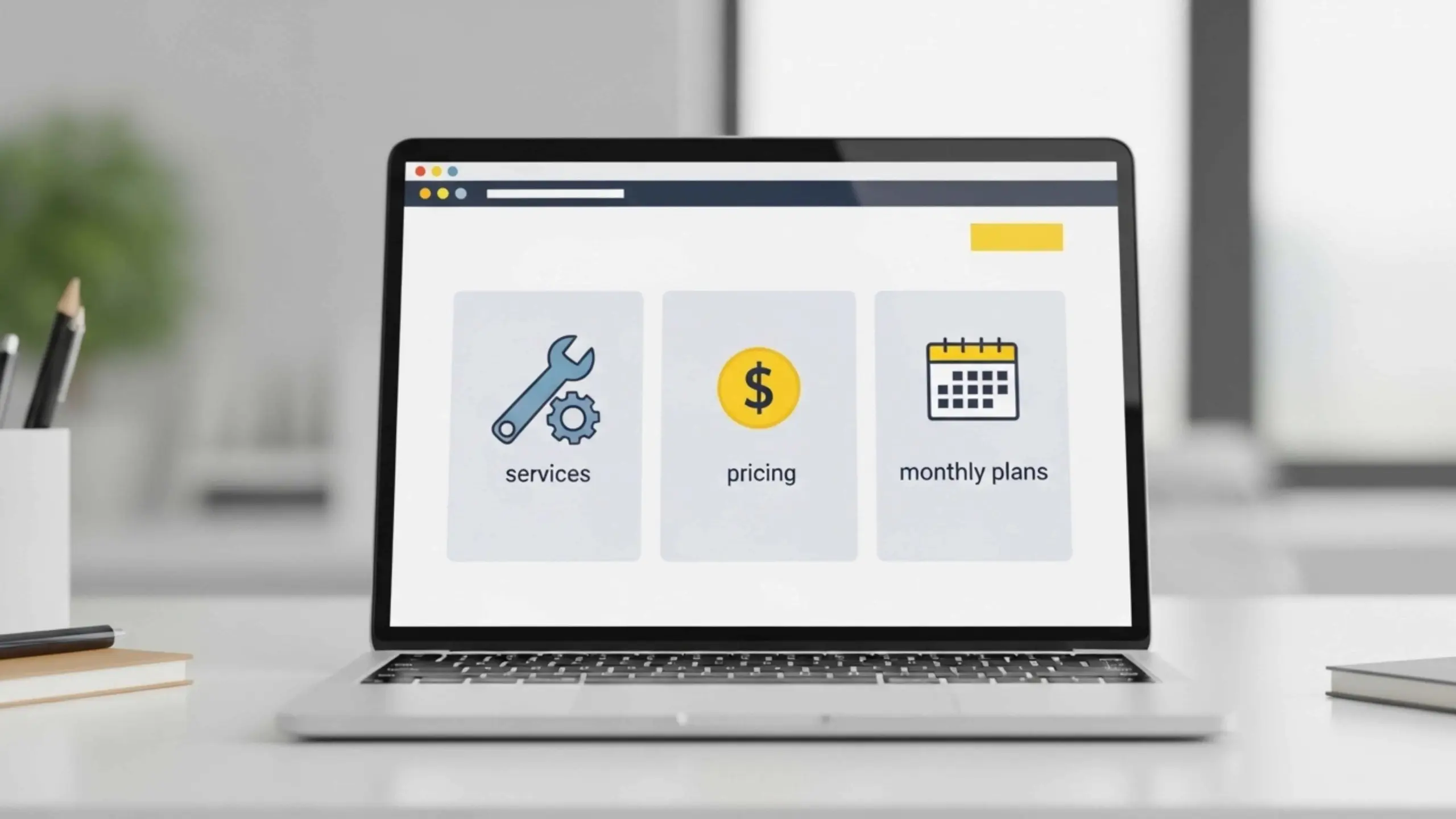
This guide shows you what’s inside these packages. You’ll learn about pricing, services, and how to pick the right monthly plan.
What Are Website Maintenance Packages?
Website maintenance packages are services that help you after your site is live. They make sure your site is safe, healthy, and fast.
These packages take care of security checks, backups, updates, and fixing performance issues. You don’t have to watch your site; a team does it for you.
Maintenance works in two ways. Preventive maintenance stops problems before they start. Your team updates plugins, backs up data, and monitors threats. Corrective maintenance fixes issues that pop up, like broken links or slow pages.
Here’s a key point. Development builds new things. Maintenance keeps existing things working. Development creates your site or adds features. Maintenance protects what you already have.
Why Your Site Needs Ongoing Care
Your website changes every day, even when you don’t touch it. Hackers launch new attacks. Software pushes updates. Content goes stale. Google updates its ranking rules.
You can’t update once and walk away. Website maintenance service never stops. It’s a continuous process. Good maintenance is proactive. You spot issues early. You fix small bugs before they become big crashes. Your visitors never see problems because you catch them first. Skip maintenance and watch what happens. Your site slows down. Security holes open up. Features break. Visitors leave. Sales drop.
Small businesses use these packages to compete without hiring tech teams. You get expert help at a fraction of the cost.
E-commerce stores need them even more. Downtime during Black Friday means lost sales. You can’t afford that risk. Service providers depend on their sites for leads. A broken contact form loses you clients. You might not even know it’s broken.
Agencies managing client sites use packages to handle multiple websites smoothly.
Why Website Maintenance Is Critical for Business Growth
Your website directly affects your bottom line. Fast sites convert better. Slow sites lose sales. It’s that simple.
When your site goes down, you stop making money. Every minute of downtime pushes customers to other businesses. Outdated designs make visitors question if you’re still in business. Breach of security destroys trust right away.
Google rewards sites that load fast and stay secure. Users expect pages to load in under three seconds. Miss that mark and they bounce. Your rankings drop. Your traffic goes down.
This is what regular website maintenance does for your business:
- Makes the website run faster and better
- Keeps malware and security threats at bay
- Maintenance makes sure that new technologies will work with it
- It reduces downtime and technical problems
- Improves the experience and engagement of users
These benefits lead directly to more money. Higher conversion rates come from faster load times. Strong security maintenance keeps customer data safe and your reputation intact. When your site works smoothly, visitors stay longer and buy more.
Companies building complex platforms know this well. A SaaS application development company can’t afford even small technical glitches. Their entire business runs online. One security flaw or performance issue costs them subscribers.
The same applies to your business. Your website is your digital storefront. Neglect it and customers notice. They see pages that load slowly, links that don’t work, and content that is out of date. They assume you don’t care about quality.
Maintained sites do the opposite. They signal professionalism and build confidence. They turn visitors into customers.
Good upkeep isn’t very expensive. It protects your income and helps your business grow. If you don’t do it, you’ll miss out on money.
Key Services Included in Website Maintenance Packages
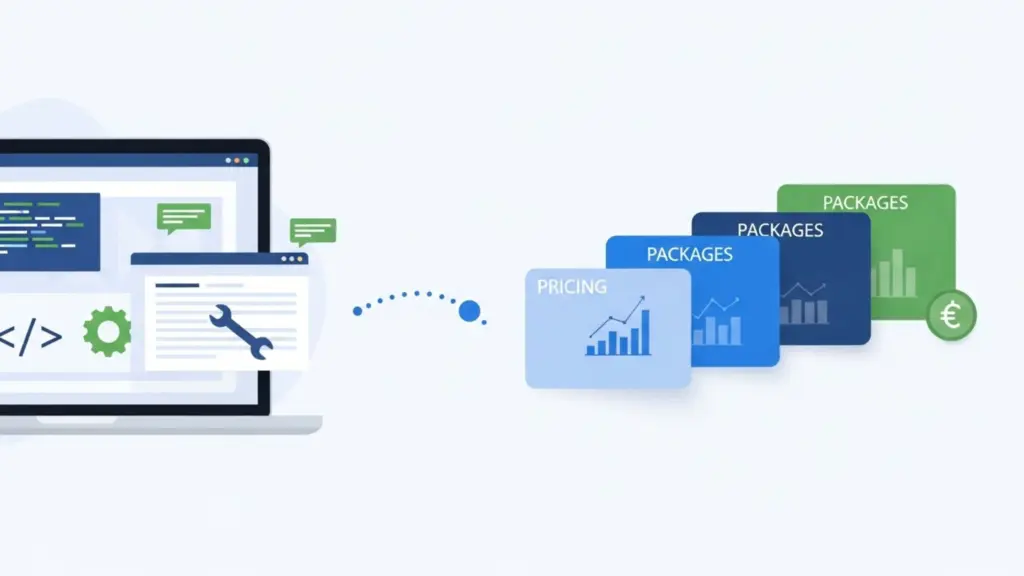
There is more than one type of maintenance package. They offer a number of services that work together to keep your site safe. Each service handles a different piece of the puzzle.
Most businesses don’t realize how many moving parts a website has. Software updates. Security checks. Speed fixes. Content changes. All these need attention regularly.
Skip one area and problems start. Your site slows down. Hackers find weak spots. Features break without warning.
Let’s look at what actually comes in these packages.
Technical Maintenance
Your website runs on software that constantly needs updates. Plugins add features, but they need to be updated often. Themes control your design and need compatibility fixes.
You can’t skip these updates all the time. We know people often ignore update notifications for their website plugins. Old code slows down performance and leaves security holes.
- Updates for plugins: Every plugin that supports your website needs regular updates and maintenance. Your maintenance team installs new versions as they come out. They check each update to make sure it doesn’t cause any problems. People don’t see problems until they are fixed.
- Theme Updates: Design frameworks change as web standards evolve. WordPress themes, Shopify templates, and custom frameworks need regular updates. These keep your site working on Chrome, Safari, and mobile browsers. Updates fix layout issues and improve responsiveness.
- Core Updates: WordPress, Drupal, and Webflow release critical patches regularly. These are the close security holes that hackers exploit. They fix bugs and boost speed. Delaying updates is dangerous. Hackers target outdated sites because they’re easier to breach.
- Bug Fixes: Buttons stop working. Forms fail to submit. Pages load incorrectly. Your team troubleshoots and resolves these issues quickly, often before you notice them.
Technical maintenance forms the foundation. Everything else builds on stable, updated code. Neglect this and other services can’t save you.
Security and Monitoring
Hackers don’t take breaks. They scan thousands of sites daily looking for vulnerabilities. Your site needs active protection, not just hope.
Malware scanning automatically checks for infected files and code that looks suspicious. It stops threats before they spread or steal information. Firewall protection stops bad traffic at the door.
Uptime monitoring tracks your site’s availability every few minutes. Server crashes happen. Hosting issues pop up. Monitoring alerts your team instantly so they can respond fast.
Backups create safety nets. Something goes wrong? A bad update breaks features? Hackers slip through? You restore a clean version and get back online. Strong website maintenance services treat security as priority one, not an afterthought.
Performance Optimization
Speed kills slow sites. Visitors leave if pages take more than three seconds to load. Google ranks faster sites higher. Speed directly impacts your revenue.
Speed optimization is important to tackle multiple bottlenecks. A good website maintenance team compresses files, minifies code, and removes unnecessary scripts. Every kilobyte shaved off means faster delivery.
Database cleanup deletes old revisions, spam comments, and unused data. Bloated databases slow down queries. Clean ones respond instantly.
- Image optimization shrinks photos without visible quality loss. Large images are the biggest speed killers on most sites.
- Caching keeps copies of your pages that have already been built. Instead of having to wait for the server to rebuild everything, repeat visitors get instant loads.
- CDN integration spreads your content across global servers. Visitors download from nearby locations and this cuts load times significantly for your site.
- Code minification strips whitespace and comments from CSS and JavaScript. Smaller files transfer faster over networks.
Over time, these optimizations add up. Monthly maintenance on your website keeps it fast as you add new content and features. Things that start quickly stay quick.
Content and Minor Updates
Your message changes. Prices shift and you launch new products. Promotions end. Your site needs to reflect reality, not last month’s news.
Content updates cover text changes across your pages. New headlines. Updated descriptions. Fresh calls to action. Your maintenance team makes these edits without you touching code.
Image swaps keep visuals current. Some businesses need to update seasonal photos. They have some new team members. Updated product shots are also important. Landing page edits let you test different offers and layouts quickly.
Types of Website Maintenance Plans
Not all websites need the same level of care. A simple blog has different needs than a busy online store. That’s why maintenance plans come in tiers.
Your choice depends on traffic, complexity, and business goals. Start small and scale up as you grow. Most providers offer three main plan types. Let’s break them down.
Basic Maintenance Plans
Basic plans work for small sites with light traffic. You run a portfolio site, a local business page, or a simple blog. You don’t process transactions or handle sensitive data.
These plans cover the essentials. Software updates keep your site current. Weekly backups protect your content. Basic monitoring alerts you if the site goes down.
You won’t get advanced features here. It doesn’t have performance tweaks or content updates. Just the bare minimum to keep things running safely.
Basic plans suit startups testing ideas or personal projects. They’re affordable and cover critical needs without extras you don’t use yet.
Standard Maintenance Plans
Growing businesses need more support. Your traffic is climbing. You’re adding content regularly. You care about speed and user experience.
Standard plans build on basic coverage. You get everything from the basic tier plus performance optimization. Your team cleans databases, optimizes images, and improves load times monthly.
With limited content updates, you can change text and images without hiring developers. Most plans include 2 to 4 hours of work on updates each month.
- Monthly performance reports show that things are getting faster.
- Security scans run more frequently
- Priority support gets faster response times
- SEO-friendly optimizations keep you ranking well
This tier is good for service businesses, companies that make custom mobile apps, and websites with a lot of content. You want to grow, but you don’t have thousands of visitors every day yet.
Advanced Maintenance Plans
High-traffic sites and e-commerce stores need premium care. Downtime costs you real money. Security breaches destroy customer trust instantly.
Advanced plans offer comprehensive protection. You get 24/7 monitoring with instant alerts. Security measures include advanced firewalls, malware removal, and vulnerability patching within hours.
Priority support means your issues jump the queue. Developers respond in minutes, not days. Frequent updates happen weekly or even daily for critical patches.
These plans include unlimited content changes, A/B testing support, and conversion optimization. Your maintenance team acts like an extension of your staff.
If you invested heavily in development, comparable to website development costs for complex sites, protecting that investment makes sense.
Most businesses start basic and upgrade as they scale. Your first-year blog doesn’t need advanced support. But once you’re generating revenue, the upgrade pays for itself through prevented losses.
Website Maintenance Pricing: What to Expect

Maintenance pricing isn’t one-size-fits-all. Your costs depend on what your site needs and how fast you need support.
A five-page brochure site costs less to maintain than a 500-product e-commerce store. More complexity means more work. More work means higher prices.
Support level also matters. Basic monthly check-ins cost less than 24/7 monitoring with instant response times. You pay for the attention your site receives.
Monthly Pricing Ranges
Here’s what most providers charge. These are general ranges, not exact costs:
- Basic plans: $50 – $150/month
- Standard plans: $150 – $400/month
- Advanced plans: $400 – $1000+/month
Several factors push prices up or down. Website size affects everything. A 10-page site needs less update time than a 100-page one.
Page count matters, but so does functionality. Custom forms, member portals, and booking systems require specialized maintenance. Each integration adds complexity.
Third-party integrations multiply maintenance needs. Payment gateways, CRM connections, and email platforms, each one needs monitoring and updating. More integrations mean higher monthly costs.
Support frequency changes pricing, too. Weekly check-ins cost more than monthly ones. Same-day fixes cost more than 48-hour response times. You get what you pay for.
Hourly vs Monthly Pricing
Some providers charge hourly for maintenance work. Rates typically run $75 to $150 per hour. This works if you rarely need help.
Hourly billing suits one-off fixes. A broken contact form. A plugin conflict. Quick problems that don’t repeat. You pay only when issues pop up. Monthly retainers make more sense for ongoing needs. You pay a flat fee regardless of the issues that month. This model benefits both sides.
Predictable costs help you budget accurately. No surprise invoices when multiple issues hit the same week. You know exactly what you’re spending each month.
Monthly website maintenance plans also guarantee consistent support. Your provider prioritizes retainer clients over hourly ones. You’re not competing for attention during busy periods.
Faster issue resolution is another advantage. Retainer clients get the first response. Their sites get monitored proactively. Problems get caught before they escalate.
Understanding what drives costs helps you evaluate quotes intelligently. Providers consider multiple factors when pricing:
- Website complexity and features
- Frequency of updates required
- Level of security needed
- Type of hosting environment
- Response time expectations
Because no two sites are the same, customized pricing is common. A custom-built platform and a WordPress blog have different needs. A site with information is not the same as a members-only portal.
Before giving you a quote, providers look at your specific situation. They look over your tech stack, the amount of traffic you get, and what your business needs. Pricing that is the same for everyone rarely meets real needs.
That’s why you’ll see ranges instead of fixed prices. Request quotes from multiple providers. Compare what’s included, not just the monthly number. The cheapest option often cuts corners you’ll regret later.
How to Choose the Right Website Maintenance Package
Choosing the right package isn’t about picking the most expensive option. It’s about matching support to your actual situation.
Start by looking at your website honestly. How many visitors do you get daily? What does your site actually do? A portfolio site and an online store have completely different needs.
Traffic tells you how urgent maintenance becomes. If you’re getting 50 visits a day, an hour of downtime won’t hurt much. But if you’re processing hundreds of orders daily, every minute offline costs real money. High traffic demands faster response and constant monitoring.
Your website’s complexity matters just as much. A simple WordPress blog needs basic care. Add payment processing, member logins, and custom code? You need experts who understand those systems.
Budget plays into this, but think long-term. Cheap maintenance that misses security updates costs more when hackers break in. Consider website hosting and maintenance costs together since they directly affect each other.
Here’s what works in practice. Small businesses running informational sites do fine with basic plans. You get updates, backups, and monitoring without burning cash on unused features.
Growing companies should upgrade to standard plans as revenue climbs. You’re adding features regularly. Speed affects conversions now. The extra investment pays back through better performance.
E-commerce stores need advanced support from day one. You handle customer data and payments. One breach destroys the trust you built over months. Premium maintenance costs less than recovering from a security incident.
When comparing providers, focus on three things. Can they scale with you? Do they explain costs clearly? Will they respond fast when problems hit?
Similar to finding the right developer, test their support before committing. Send a question. See how fast they respond. That small test shows how they’ll treat you when your site breaks at midnight.
Building a Maintenance Strategy for Your Website
Your website isn’t a launch-and-forget project. It needs constant care to stay secure, fast, and working properly. Skip maintenance and you risk your online presence.
You don’t need to handle this alone. Website maintenance packages bundle everything into simple monthly plans. Updates, security, backups, speed fixes, and content changes all get done by experts.
Pricing depends on what you need. Basic plans start around $50 monthly for simple sites. Growing businesses spend $150 to $400. High-traffic stores often pay $400 or more for full coverage.
Pick a package that fits now but grows with you. Small sites start basic. Sites making money upgrade to standard. Critical platforms need advanced support with fast response times.
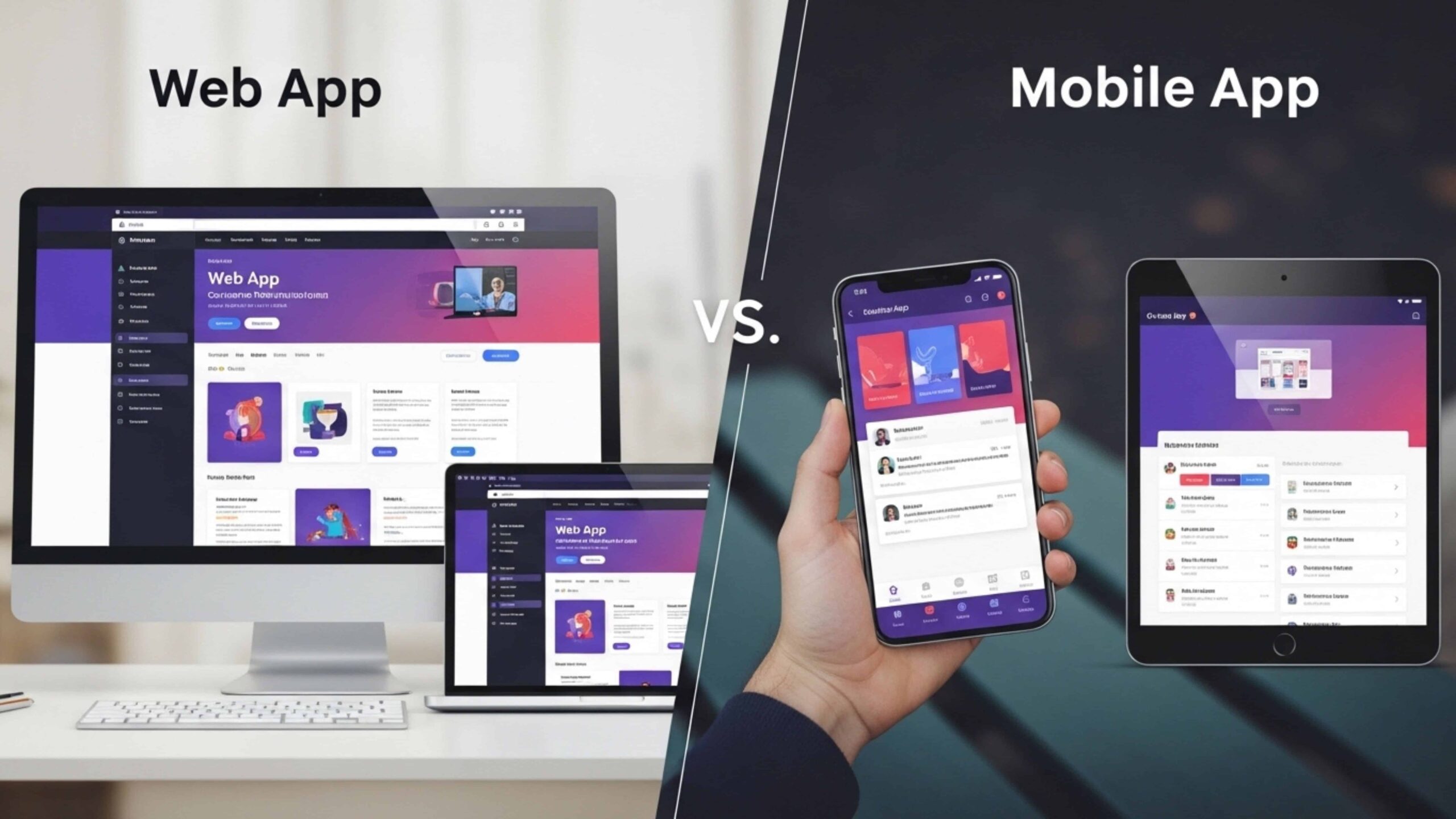
Similar to choosing between web apps versus mobile apps, your maintenance decision should match your business goals and user needs. The right choice protects your investment and supports growth.
Think of maintenance as insurance for your digital presence. You spent time and money building your site. Monthly care preserves that value and grows it over time.
Smart businesses don’t just avoid crashes through maintenance. They create faster sites that convert better. Reliable performance builds trust.
Your website works hard for you every day. Give it the support it deserves.
FAQs
Basic packages cover the essentials. You get software updates for plugins, themes, and your CMS. Weekly backups save your data. Uptime monitoring tells you when the site goes down. Security scans look for malware.
These plans skip content updates and speed fixes. They keep your site safe and running without extra features.
Maintenance never stops. Software updates come out weekly or monthly. Security scans should run every day. Backups need to happen weekly at minimum. Daily backups work better for online stores. Performance checks work best once a month. How often depends on your traffic. Busy sites need constant watching. Quieter sites can stretch things out.
You can learn basic tasks if you’re technical. Updates and backups aren’t too hard. But maintenance goes much deeper.
Security watching, speed fixes, and fixing broken code need real skills. One wrong move during an update can crash your whole site. Most business owners hire pros. It saves time and prevents expensive mistakes
Your site falls apart slowly. Security holes build up. Hackers love outdated software because it’s easy to break. Your site gets slower as junk data piles up. Features break when plugins clash.
Eventually, your site crashes completely or gets hacked. Fixing that mess costs way more than regular maintenance. You lose money during downtime. Customer trust gets damaged forever.