Every business needs a digital presence now. It’s not optional anymore. Your customers expect to find you online, interact with your services, and solve their problems through apps.
But here’s the tricky part. Do you build a web app or go straight for a mobile app?
This question keeps founders up at night. And for good reason. Your choice affects everything, like how much you spend, who you can reach, and how quickly you can launch.
Pick the wrong platform and you waste months building features nobody uses. Pick the right one and you create something people actually want to use every day.
The web app vs mobile app discussion has been around for years. But it matters more now than ever before. Mobile phones dominate our lives. At the same time, web technology has gotten incredibly powerful.
Some companies crush it with mobile apps. Others grow faster by staying on the web. There’s no one-size-fits-all answer.
This guide shows you everything. You’ll find out what these platforms are really like, how they work in different ways, and what makes each one useful. Let’s get into it.
Web App vs. Mobile App: Knowing the Main Differences
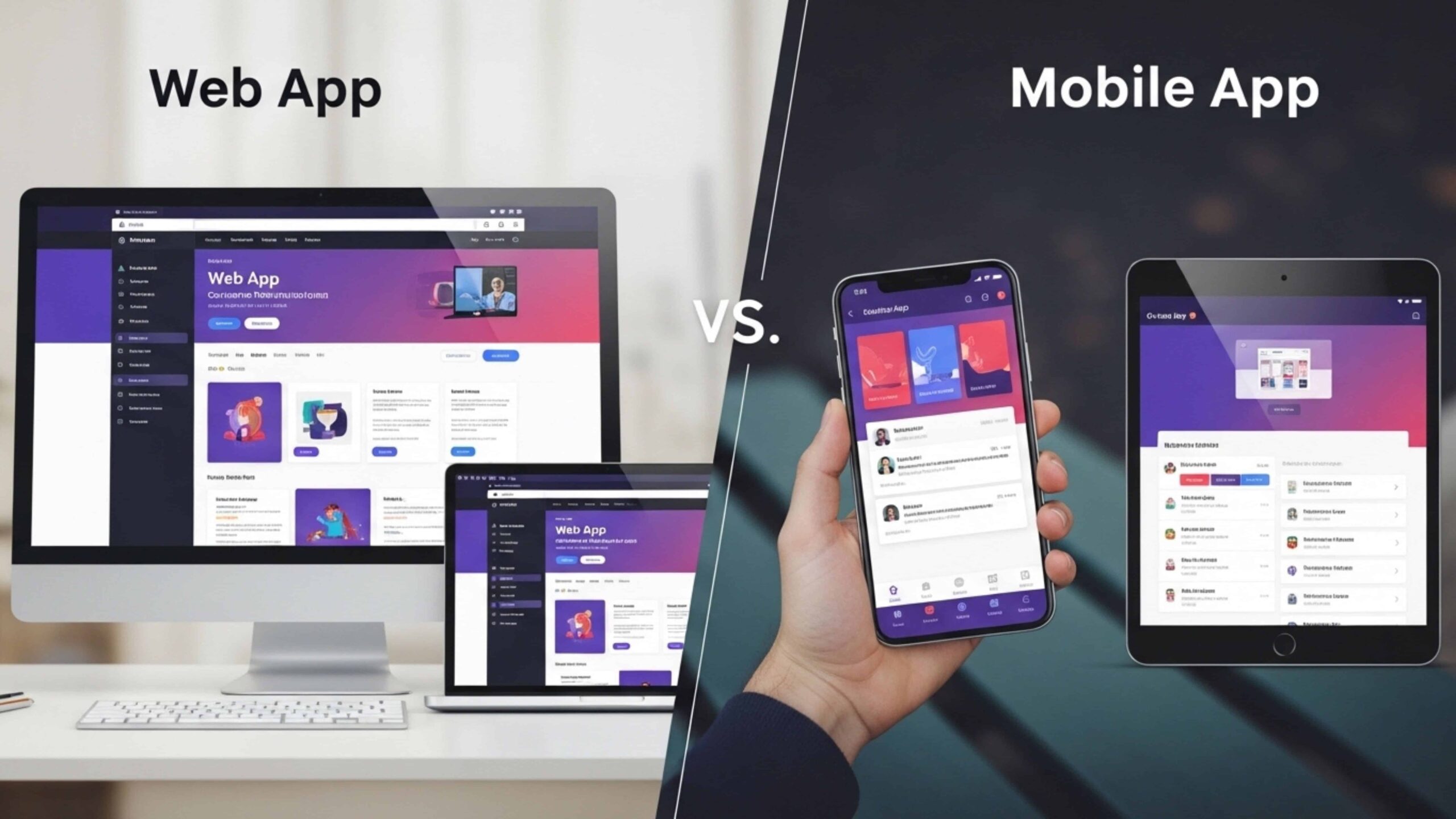
First, let’s clear up the confusion. People often confuse these two things, but they are not the same.
A web app runs in your browser. You open Chrome, Safari, or Firefox, type in a URL, and you’re in. No download needed. Gmail is a web app. So is Google Docs. You access them through a web address and they work on any device with a browser.
Mobile apps are different. You grab them from the App Store or Google Play. They install on your phone. You tap an icon and boom, they open. Instagram works this way. So does Uber and WhatsApp.
The difference between a mobile app and a web app goes way beyond just how you open them. Here’s what actually separates them:
- Installation: Web apps need nothing. Just visit the URL and start using it. Mobile apps make you download first, then install. That’s an extra step your users have to go through.
- Performance: Mobile apps usually run faster. Why? They’re built specifically for iOS or Android. They can use your phone’s full power. Web apps rely on your browser and internet speed. Sometimes that creates lag.
- Accessibility: Web apps take the win here. Build it once and it works everywhere. Desktop, tablet, phone, doesn’t matter. Mobile apps need separate versions for iPhone and Android. You’re basically building twice.
- Updates: Web apps update themselves. Visit the site and you get the newest version automatically. Mobile apps? Users have to download updates from the store. And plenty of people ignore those update notifications for weeks.
The web app vs mobile app choice isn’t just technical. These differences affect your timeline, your budget, and how users actually experience your product.
What Is a Web App?
A web app is software that runs entirely in your web browser. You don’t install anything. You don’t download files. It can be opened in a browser. You just need to type in a URL and you’re ready to start working.
Think about the tools you already use. Gmail handles your emails without living on your computer. Google Docs lets you write and edit documents from any device. Notion helps teams organize projects through a simple web link. Canva turns anyone into a designer, all from your browser window.
These are all web apps. They feel like regular software, but they exist on the internet.
This is how they really work. When you go to a web app, your browser gets the interface from a server that is not on your computer. In real time, everything happens. You click a button, the server does its job, and you see the result right away. Your data stays in the cloud, not on your device.
The biggest advantage? You can access them from anywhere. Start something on your laptop at work. Continue on your tablet at home. Finish it on your phone during your commute. Same account, same data, same experience.
This is where the difference between an app and a website gets interesting. Regular websites mostly display information. You read blogs, browse products, or watch videos. Web apps let you do things. You create documents, send emails, edit photos, and manage tasks. They’re interactive and functional.
There are no downloads or updates to manage. No worrying about storage space. Just open a browser and get to work.
What Is a Mobile App?
A mobile app is software you download and install directly on your phone or tablet. It lives on your home screen. You tap it, and it opens right away. Simple as that.
Think about the apps you use every day. Instagram for scrolling through photos. Uber when you need a ride home. WhatsApp to text your friends and family. These all sit on your device, ready whenever you need them.
Now, not all mobile apps work the same way behind the scenes. There are two types worth knowing:
- Native apps are built for one platform only. Either iOS or Android. They feel incredibly smooth because they’re designed specifically for your phone’s operating system. But building separate versions costs more.
- Hybrid apps work on both iPhone and Android using shared code. They save money and time during development. The tradeoff? They might not feel quite as polished as native apps.
So why do businesses spend serious money building mobile apps? Because they unlock capabilities that web apps just can’t match. You get push notifications that grab attention instantly. Your app works even when Wi-Fi disappears. You can use the camera, location services, and contacts without any friction.
Many growing companies work with a custom mobile app development company to nail these details right from the start.
Most people miss one thing when talking about the difference between a web app and a mobile app. When someone downloads your app, they’re committing. They’re saying yes to you taking up space on their phone. That’s trust. That’s the intention. And that makes mobile apps incredibly powerful for building loyalty.
Key Differences Between Web Apps and Mobile Apps
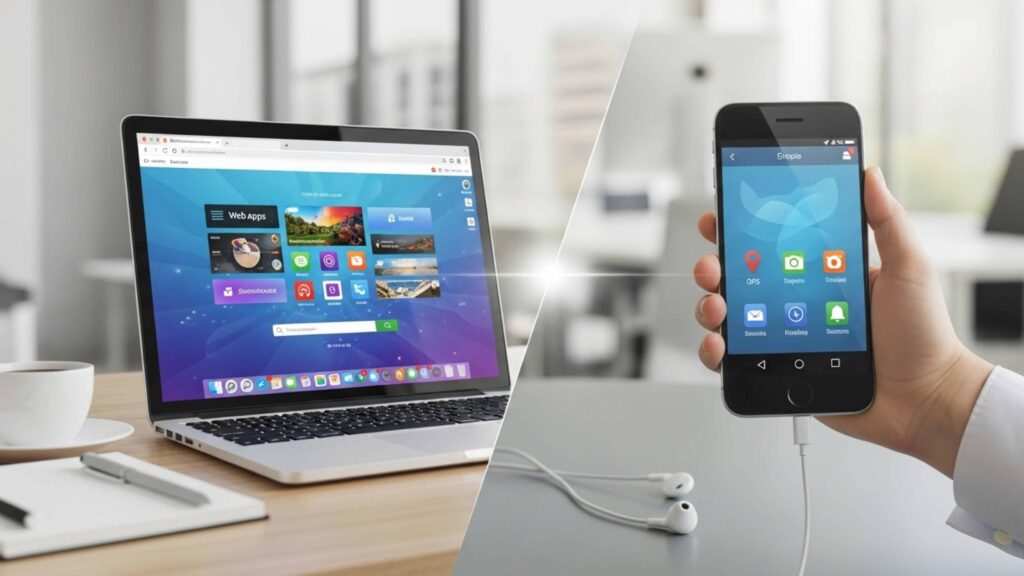
You know they’re not the same. But what does that really mean when you’re trying to choose which one to build? Let’s look at what matters in the real world.
The choice affects everything, from how quickly you can launch to how people use your product every day. And to be honest, making this mistake costs more than just money. It costs time and opportunities. Many things separate them.
Development Process
Web apps are faster to build. One codebase works across all devices and browsers. Your team writes it once and deploys everywhere. Mobile apps need separate development for iOS and Android. That’s two teams, two timelines, or one team working twice as long. Even projects like grocery app development require careful platform planning from day one.
User Experience
Mobile apps feel more personal. They match your phone’s design language perfectly. Swiping, pinching, tapping, everything flows naturally. Open Instagram and it responds the instant your finger touches the screen. No delay or loading bars between actions.
Web apps have improved massively, but they still run inside a browser. That creates a barrier, even a small one. You feel it when animations stutter slightly or gestures don’t respond quite right. Users might not articulate the difference, but they sense it. That feeling matters when they choose which platform to stick with long-term.
Performance and Speed
Mobile apps are faster. They keep data on your phone and use its hardware to do tasks. Web apps need to be connected to the internet and have fast server response times. Load a mobile app and it’s ready in milliseconds. Load a web app on slow Wi-Fi and you’re stuck waiting.
Offline functionality is another factor. Mobile apps can still work when your internet doesn’t work. You can read saved articles, draft emails, or play games offline. Web apps mostly stop working without a connection. Some use caching tricks, but it’s limited. For users in areas with spotty service, this makes or breaks usability.
Maintenance and Updates
Web apps update instantly on the server. Every user gets the new version automatically. Mobile apps require users to download updates from app stores. Some people ignore those notifications for months. You end up supporting multiple versions simultaneously.
This goes back to the difference between an app and a website. Websites show information. Apps let users accomplish tasks, and how they accomplish those tasks changes completely based on the platform you choose.
Advantages of Web Apps for Businesses
Web apps save you money right from the start. You build one version and it works everywhere. Skip the separate teams for iOS and Android. Skip the platform-specific code. One app reaches all devices. That cuts your development budget significantly.
Think about what happens when you need to fix something. Found a bug at 2 PM? Push the fix to your server and it’s live by 2:15 PM. Every user gets it instantly. You don’t wait for app store reviews or approval processes. You stay in complete control of your product.
Cross-platform compatibility solves a massive headache too. Your customers use all kinds of devices. iPhones, Android phones, MacBooks, Windows laptops, iPads. Web apps work the same way on everything with a browser. Build once and reach everyone, regardless of their hardware choices.
Installation friction kills conversions. When people need to download an app just to try your service, many won’t bother. Web apps remove that barrier completely. Share a link and users start exploring your product within seconds. They click and they’re in.
Industries have caught on to these benefits fast. SaaS companies build almost everything as web apps now. Asana and Trello are browser-only project management tools. Banking platforms help millions without downloading. Online learning sites like Udemy offer full courses via web interfaces. Customer support platforms, accounting software, and design tools need web technology. Even Canva turns regular people into designers with zero installation required.
For many businesses, the maintenance benefit is what seals the deal. Everyone will benefit right away if you update your backend once. You only have to deal with one version instead of having to deal with multiple releases on different platforms.
Advantages of Mobile Apps for Businesses
Mobile apps give you something web apps struggle to match. Real performance, speed and real engagement.
They live on your customer’s phone. That’s prime real estate. When someone installs your app, they’re saying they want you around. They’re giving you permission to stay close.
And once you’re there, the advantages stack up fast.
- Better performance: Apps load in milliseconds because they store data locally on the device. Users don’t wait for servers to respond. Everything feels instant, from animations to page transitions. That smoothness keeps people using your app longer.
- Push notifications: You reach users even when your app sits closed. New message? They see it. Special offer? It pops up on their lock screen. This direct communication channel drives more opens and clicks than any email campaign ever could.
- Offline functionality: Your app works on planes, in basements, during commutes through tunnels. Users browse products, read articles, or play games without the internet. When connectivity returns, everything syncs automatically.
- Deeper device integration: Mobile apps offer excellent features. Access cameras for instant photo uploads. They use GPS to show nearby stores. Integrate with Apple Pay for one-tap purchases. Pull contacts for easy sharing. These native features create experiences that web browsers simply cannot deliver.
The web app vs mobile app debate often comes down to retention. Mobile apps win here by a landslide. Users who download your app engage five times more than web visitors on average.
Why? Because you’re literally in their pocket. Brands know this. That’s why companies from Starbucks to Nike invest heavily in mobile experiences. Even a SaaS app development company will tell you mobile apps create stickiness that web platforms struggle to achieve.
Your app becomes a habit. And habits drive revenue.
Cost, Development Time, and Maintenance Comparison
Money talks when you’re choosing between platforms. So does time. Both directly impact whether your product succeeds or dies before launch.
Let’s look at what you’re actually signing up for with each option.
Development Cost Differences
Web apps cost less upfront. You hire one development team and build one product. Done. Mobile apps require native builds for iOS and Android separately. That means double the developers or double the timeline.
A simple web app might run you $15,000 to $40,000. The same features as a mobile app? You’re looking at $50,000 to $150,000 easily. Startups with tight budgets often choose web apps first for exactly this reason. Understanding website development cost helps you plan smarter from day one.
Time to Market
Speed matters when competitors are moving fast. Web apps launch quicker because you skip app store approval processes. Build it, test it, deploy it. You’re live in weeks. Mobile apps add layers of complexity. Apple’s App Store review takes days, sometimes weeks. Google Play moves faster, but still adds delays. For MVPs and quick market tests, web apps win the race.
Team Requirements and Maintenance
Web apps need frontend and backend developers. Mobile apps need iOS developers, Android developers, plus backend developers. That’s a bigger team with specialized skills and higher salaries. Maintenance tells a similar story.
Update a web app once and everyone gets it. Update a mobile app and you’re managing two codebases, testing on dozens of devices, and waiting for store approvals each time.
Enterprise companies absorb these costs easily. Startups feel every dollar. Your business stage and resources should guide this choice heavily.
Conclusion: Choosing the Right Platform for Your Business
There’s no universal winner here. Web apps and mobile apps both solve problems, just different ones.
Web apps get you to market faster and cheaper. They work across every device without extra effort. Updates happen instantly. Users access them without downloads. For many businesses, especially startups testing ideas, this makes perfect sense.
Mobile apps deliver superior performance and engagement. These apps can work offline. They send push notifications. They integrate deeply with phone features. When you need users coming back daily, mobile apps build that habit better.
The difference between a mobile app and a web app ultimately depends on what you’re trying to accomplish. Ask yourself real questions. Where does your audience spend time? What’s your actual budget, not your wishful one? Do users need offline access? Will push notifications drive your growth?
A food delivery service needs a mobile app. A SaaS tool for occasional use? Probably works fine as a web app. An e-commerce store might need both.
Stop chasing trends. Study your users instead. Look at your resources honestly. Match your platform choice to your business reality, not what sounds impressive. That’s how you build something people actually use.