Have you ever opened a website that looked beautiful but felt confusing to use? Maybe you clicked a button, and nothing happened. Maybe you could not find the contact page. Or maybe the checkout process took too long, so you left the website completely.
That is why many people search for what is the difference between UX and UI. These two terms are often used together, but they mean different things.
Many companies now invest heavily in UX and UI design services. Businesses looking for professional design support often work with us. We are a trusted UI/UX design agency in Canada and improve customer experience and digital performance.
Today, businesses cannot succeed online with design alone. A website must look good, but it must also work smoothly. Users want fast, simple, and stress-free digital experiences.
In this complete guide, you will learn everything about UI and UX. This article clearly explains the difference between UI and UX, so you can understand it easily.
What Is UI Design?
UI stands for User Interface. The user interface includes everything users can see and interact with on a website, app, or software product.
This includes:
- Buttons
- Colours
- Fonts
- Menus
- Icons
- Layouts
- Images
- Navigation bars
- Forms
- Animations
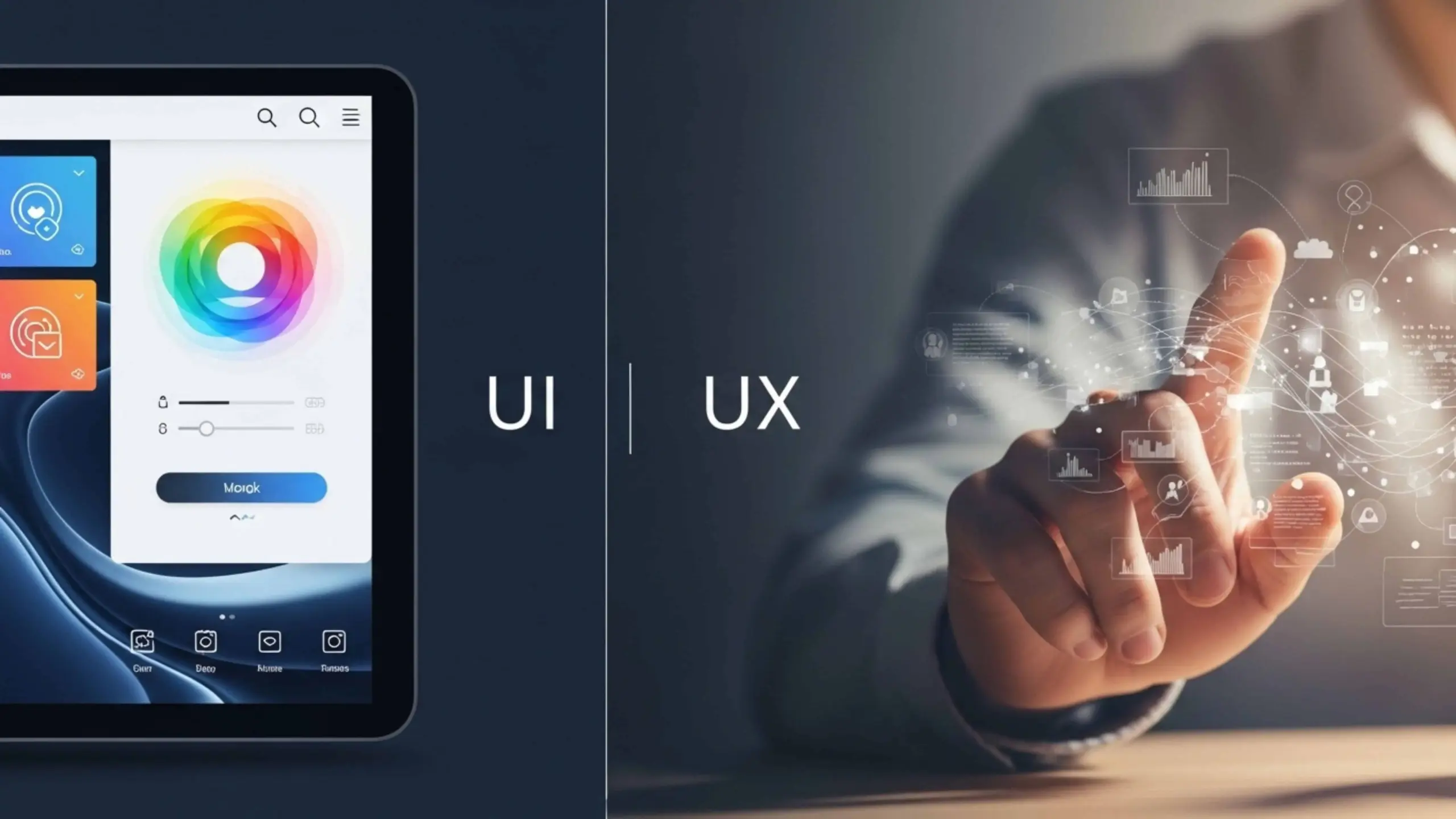
Simply put, UI design focuses on how a digital product looks and feels visually. For example, when you open a mobile banking app, the colours, button shapes, icons, and screen layout are all part of UI design.
Good UI design makes products:
- Attractive
- Modern
- Easy to navigate
- Consistent
- Professional
Bad UI design can make users leave a website within seconds.
What Is UX Design?
UX stands for User Experience. UX design focuses on the overall experience users have while interacting with a product.
Instead of visuals alone, UX focuses on:
- Functionality
- Usability
- User satisfaction
- Simplicity
- Problem-solving
A UX designer asks questions like:
- Is the website easy to use?
- Can users find information quickly?
- Are customers getting confused?
- Is the checkout process smooth?
- Does the app solve user problems?
For example, if an online store takes too many steps to complete payment, users may leave the website. Improving this flow becomes part of UX design.
Good UX design helps users complete tasks easily and without frustration. Strong design also supports better development performance. Many businesses combine design with our professional front-end development services to create fast and user-friendly websites.
Understanding The UI Vs UX Difference Helps
- Business owners build better websites
- Developers create user-friendly products
- Designers choose the right career path
- Companies improve customer satisfaction
- Startups increase conversions and sales
What Is the Difference Between UX and UI?
The easiest way to understand the difference between UI and UX is this:
- UX focuses on how something works
- UI focuses on how something looks
Here is a simple real-life example.
Imagine building a house.
- UX is the floor plan and structure
- UI is the paint colours and furniture style
A house may look beautiful, but still feel uncomfortable to live in. That is bad UX. Another house may function perfectly, but look old and unattractive. That is weak UI. The best digital products combine both strong UX and beautiful UI.
UX vs UI Design: Quick Comparison
| Feature | UX Design | UI Design |
| Full Form | User Experience | User Interface |
| Main Focus | User journey and usability | Visual appearance |
| Goal | Improve experience | Improve look and feel |
| Works On | Functionality and flow | Layout and visuals |
| Questions Asked | Is it easy to use? | Does it look attractive? |
| Common Tasks | Research, testing, wireframes | Colours, typography, buttons |
| Main Priority | User satisfaction | Visual consistency |
| Tools Used | Figma, Hotjar, Miro | Figma, Adobe XD, Sketch |
Why UI and UX Matter for Businesses?
Many businesses lose customers because of poor design. Users leave websites when:
- Pages look outdated
- Navigation feels confusing
- Checkout takes too long
- Buttons are hard to find
- Mobile layouts break
- Loading feels frustrating
Strong UI and UX design help businesses:
- Increase conversions
- Improve trust
- Reduce bounce rates
- Improve customer satisfaction
- Generate more leads and sales
What Does a UI Designer Do?
A UI designer focuses mainly on visuals and interface design. Their job includes creating attractive and easy-to-use digital interfaces.
Main Responsibilities of a UI Designer
1. Designing Layouts
UI designers organise page elements clearly. This includes:
- Headers
- Menus
- Buttons
- Images
- Content sections
2. Choosing Colours and Fonts
Good colour combinations improve readability and branding. Typography also affects user experience and trust.
3. Creating Buttons and Components
UI designers build:
- Navigation bars
- Cards
- Forms
- Icons
- Interactive buttons
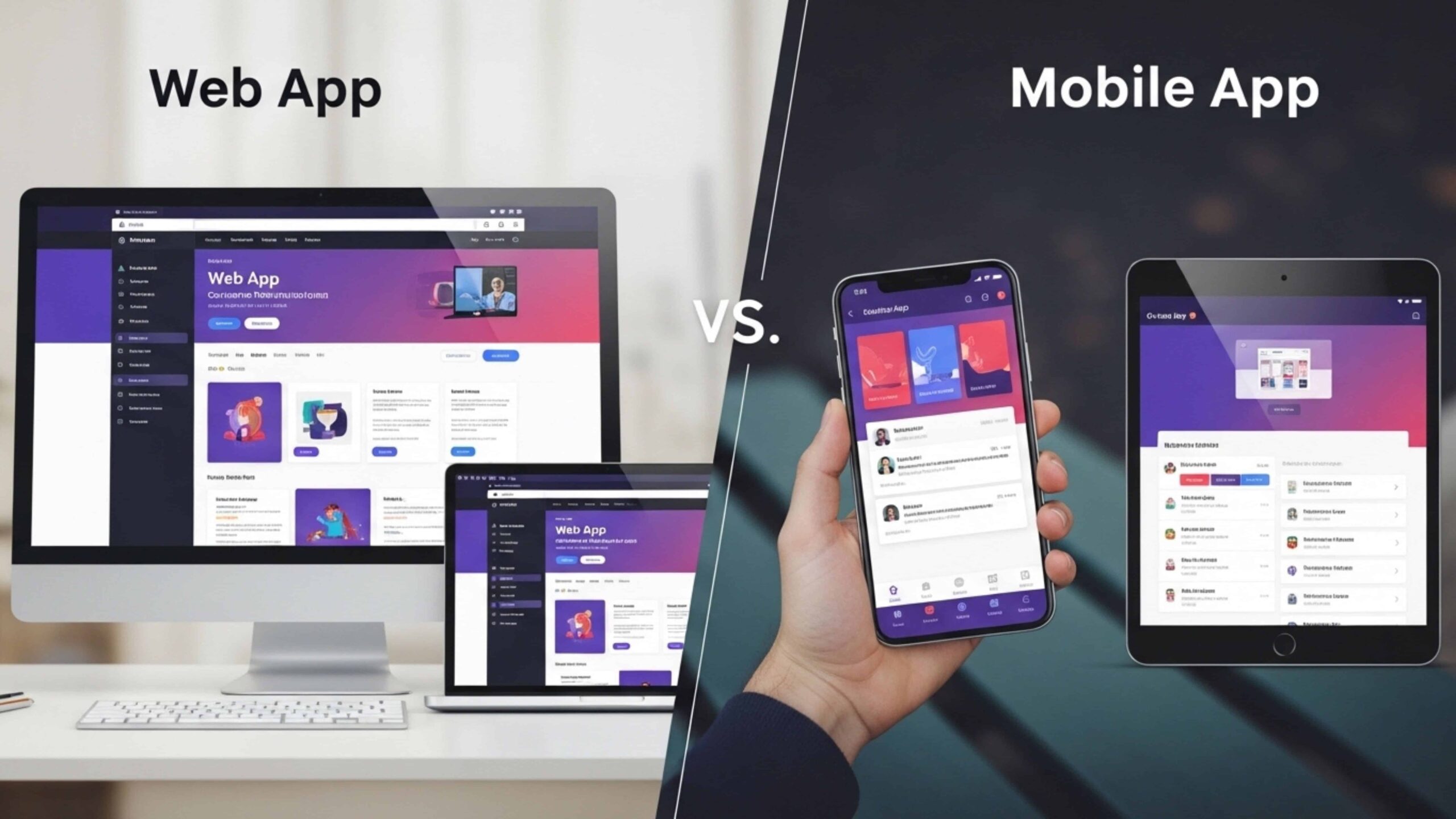
4. Improving Mobile Responsiveness
A website must look good on:
- Mobile phones
- Tablets
- Desktop screens
Responsive design is now essential.
5. Creating Design Systems
Many UI designers create reusable design components to keep products visually consistent.
What Does a UX Designer Do?

UX designers focus on the user journey. They study user behaviour and improve the product experience.
Main Responsibilities of a UX Designer
1. User Research
UX designers collect information through:
- Surveys
- Interviews
- Analytics
- Usability testing
2. Creating User Personas
Personas represent typical users. These profiles include:
- User goals
- Frustrations
- Habits
- Behaviours
3. Building User Flows
UX designers map how users move through a website or app.
For example:
Homepage → Product Page → Cart → Checkout
The goal is to reduce confusion.
4. Wireframing
Wireframes are simple page structures without visual styling. They help organise layouts before UI design begins.
5. Testing User Experience
UX designers test products with real users and identify usability problems.
Difference Between UX and UI Design
The difference between UX and UI design becomes clearer when you look at real examples.
Example 1: Food Delivery App
UX Problems
- Too many checkout steps
- Difficult restaurant search
- Confusing navigation
- Slow ordering process
UI Problems
- Small unreadable text
- Poor colour contrast
- Buttons difficult to notice
- Inconsistent layouts
UX vs UI Design in Website Development
Websites need both UX and UI to succeed. UX helps visitors:
- Find information quickly
- Navigate smoothly
- Complete forms easily
- Trust the website
UI helps visitors:
- Feel comfortable
- Enjoy browsing
- Recognize branding
- Stay engaged visually
How UI and UX Work Together?
UI and UX are different, but they always work together. A successful website or app needs both good user experience and strong visual design.
UX design helps the product work smoothly. UI design makes the product look attractive and easy to interact with.
If a website has good UX but poor UI, users may feel the website looks outdated or unprofessional. On the other hand, if a website has beautiful UI but poor UX, users may struggle to use it properly.
This is why businesses need both UI and UX design to create successful digital products.
Let’s understand how UI and UX designers work together step by step.
Step 1: User Research
The process usually starts with UX research. Before designing anything, UX designers study the users carefully. They try to understand what users need, what problems they face, and what they expect from the product.
UX designers collect information through:
- User interviews
- Surveys
- Analytics tools
- Competitor research
- User feedback
- Website behaviour tracking
For example, if users leave a shopping website during checkout, the UX designer studies why this happens.
Common problems may include:
- Too many checkout steps
- Slow page loading
- Confusing navigation
- Hidden buttons
- Difficult forms
This research helps designers understand real user pain points before creating the design.
Step 2: User Flow Planning
After research, the UX designer plans the user journey. This step focuses on how users move through the website or app. The designer creates a simple path for users to follow.
Good user flow planning helps users:
- Find information quickly
- Complete tasks easily
- Avoid confusion
- Save time
If users struggle to move from one page to another, they may leave the website completely. That is why user flow planning is one of the most important parts of UX design.
Step 3: Wireframing
Once the user flow is ready, the UX designer creates wireframes. Wireframes are simple page layouts without colours or visual styling. They work like blueprints for the website or app.
A wireframe usually shows:
- Navigation menus
- Content sections
- Button placement
- Image locations
- Form structures
- User flow direction
At this stage, designers focus only on structure and usability. They do not focus on colours, fonts, or visual design yet.
Wireframes help teams:
- Organise information clearly
- Improve page structure
- Identify usability issues early
- Save development time
Step 4: Visual Design
After wireframing, the UI designer starts working on the visual appearance. This is where the product begins to look modern, attractive, and professional.
The UI designer adds:
- Colours
- Typography
- Images
- Icons
- Buttons
- Animations
- Branding elements
- Spacing and layout styling
The UI designer makes sure the design feels:
- Clean
- Consistent
- Easy to understand
- Visually attractive
For example, buttons should look clickable, text should feel easy to read, and colours should match the company brand.
Modern businesses often work with a professional front-end development company to turn UI designs into responsive and interactive websites.
Step 5: Prototype Testing
After the visual design is ready, designers create prototypes. A prototype is a clickable version of the website or app. Users can test the prototype before developers build the final product. This step helps designers identify problems early.
During testing, UX designers observe:
- Where users get confused
- Which buttons do users click
- How long tasks take
- Which pages create frustration
- Whether navigation feels simple
Real user feedback is extremely valuable.
For example, users may struggle to find the checkout button even though the design looks good.
The design team then improves the layout before development starts. This testing process helps businesses avoid expensive mistakes later.
Step 6: Development
Once testing is complete, developers build the final product. Front-end developers create the visible part of the website using the approved UI designs.
They build:
- Layouts
- Navigation menus
- Buttons
- Forms
- Animations
- Responsive mobile designs
At the same time, backend developers handle the technical functionality behind the scenes.
This includes:
- Databases
- Server management
- Login systems
- Payment processing
- Website performance
Many businesses also use professional backend web development services to ensure the website works smoothly and securely.
Can One Person Handle Both UI and UX?
Yes. Many professionals work as UI/UX designers. This is common in:
- Small businesses
- Startups
- Digital agencies
However, larger companies often separate the roles because both areas require different skills.
UI vs UX Skills Comparison
UI and UX designers have different responsibilities. However, both work together to create websites and apps that are easy to use and visually attractive.
Here is a simple comparison of the important skills needed for both roles.
Important UX Skills
First of all, UX designers focus on understanding users and solving their problems. Their main goal is to create products that feel simple, smooth, and user-friendly.
Important UX skills include:
- Research skills to understand user needs and behaviour
- Problem-solving skills to improve user experience
- Communication skills to explain ideas clearly
- Analytical thinking to study user actions and feedback
- Knowledge of user psychology to understand how users think
In addition, UX designers often test products and make changes based on user feedback. As a result, they help create better and more effective digital experiences.
Important UI Skills
On the other hand, UI designers focus on the visual appearance of a website or app. They make sure the design looks clean, modern, and attractive.
Important UI skills include:
- Creativity to design engaging interfaces
- Typography skills to choose clear and readable fonts
- Colour knowledge to create attractive colour combinations
- Attention to detail for polished and professional designs
- Layout design skills to organise content properly
Skills Both UI and UX Designers Need
Although UI and UX are distinct fields, both roles require common skills.
Shared skills include:
- Teamwork and collaboration skills
- User-focused thinking
- Knowledge of design software and tools
- Testing and improvement skills
Best Tools for UI and UX Design
Today, UI and UX designers use many tools to create better websites and apps. These tools help designers plan ideas, create layouts, test designs, and improve the user experience.
Some tools are mainly used for UX design. Other tools are better for UI design. However, a few tools work well for both.
Popular UX Design Tools
UX designers use tools to understand users and improve the user experience.
Here are some popular UX tools:
- Figma – helps create wireframes and user flows
- Hotjar – shows how users interact with a website
- Maze – helps test designs and collect feedback
- Miro – useful for brainstorming and planning ideas
- UserTesting – allows real users to test products
These tools help UX designers find user problems quickly. As a result, designers can improve the product experience.
Popular UI Design Tools
UI designers use tools to create clean and attractive designs. Popular UI tools include:
- Figma – used for UI design and teamwork
- Adobe XD – helps design websites and mobile apps
- Sketch – popular for interface design
- InVision – useful for prototypes and design sharing
These tools help designers create modern layouts, colours, buttons, and visual elements.
Why Figma Is So Popular?
Figma is one of the most popular design tools today. Many designers use it because it supports both UI and UX design.
For example, designers can:
- Create wireframes
- Design interfaces
- Share feedback with teams
- Work together in real time
Because of these features, Figma makes the design process simple, fast, and easy.
UX Designer Salary in Canada
UX designers help improve the user experience. They study user behaviour, test products, and solve user problems.
| Experience Level | Average Salary | What They Usually Do |
| Junior UX Designer | CAD $55,000–$70,000 | Work on basic research, wireframes, and simple user flows |
| Mid-Level UX Designer | CAD $75,000–$95,000 | Handle user testing, improve customer journeys, and manage projects |
| Senior UX Designer | CAD $100,000–$130,000+ | Lead UX projects, manage teams, and create business strategies |
UI Designer Salary in Canada
UI designers focus on the look and feel of a website or app. They create layouts, buttons, colours, and visual elements.
| Experience Level | Average Salary | What They Usually Do |
| Junior UI Designer | CAD $50,000–$65,000 | Create simple layouts and basic interface designs |
| Mid-Level UI Designer | CAD $70,000–$90,000 | Work on branding, responsive design, and complete interfaces |
| Senior UI Designer | CAD $95,000–$120,000+ | Lead design projects and manage advanced visual systems |
What Can Increase UI and UX Salaries?
Several factors can help designers earn more money in Canada. These include:
- More work experience
- Strong design portfolio
- Knowledge of Figma and Adobe XD
- UI animation skills
- UX research skills
- Front-end development knowledge
Also, designers working in large cities often earn higher salaries.
For example:
- Toronto
- Vancouver
- Calgary
These cities have many tech companies and design jobs.
Which Career Pays More?
In many cases, UX designers earn slightly more than UI designers. This is because UX work includes research, testing, and strategy.
However, both careers offer:
- Good salary growth
- Strong job demand
- Remote work opportunities
- Long-term career growth
As a result, both UI and UX design are great career choices in Canada.
Common UI Design Mistakes
Many businesses make UI mistakes that hurt user trust.
- Poor Colour Contrast
- Too Many Fonts
- Weak Mobile Layouts
- Cluttered Pages
Businesses can avoid many design issues by understanding the 10 web development mistakes and how to avoid.
Does Your Business Need UI, UX, or Both?
Most businesses need both UI and UX.
You Need UX If:
- Visitors leave quickly
- Conversion rates are low
- Customers feel confused
- Navigation feels difficult
You Need UI If:
- Your website looks outdated
- Branding feels inconsistent
- Visual design lacks professionalism
You Need Both If:
- You are building a new website
- When you are launching an app
- Also, you want more leads and sales
- You want a better customer experience
Why UX Matters for SEO
Good UX helps a website rank better on Google. A website that is easy to use gives users a better experience.
Google likes websites that:
- Load fast
- Work well on mobile phones
- Are easy to navigate
- Give users a smooth experience
Because of this, good UX can help improve SEO results.
Good UX also helps websites get:
- Lower bounce rates
- More time spent on the website
- Better user engagement
- More leads and sales
Why UI Design Builds Trust?
People judge a website very quickly. A clean and modern design creates a good first impression. Good UI design helps build:
- Trust
- Credibility
- Strong branding
- Better user confidence
Future of UI and UX Design
UI and UX design are changing every year. New technology is making websites and apps smarter and faster. Popular UI and UX trends include:
- AI-powered experiences
- Voice search and voice controls
- Better accessibility features
- Simple and clean layouts
- Faster mobile experiences
- Personalized designs
Final Thoughts: Difference Between UI And UX
Now you know the difference between UI and UX. Here is the simple answer:
- UX focuses on how a website works
- UI focuses on how a website looks
Both are important for creating successful websites and apps.
Good UX makes websites easy to use. Good UI makes websites look attractive and professional. Together, UI and UX help businesses create better digital experiences for users.
As online competition grows, companies with strong UI and UX design can build:
- Better customer relationships
- Stronger brands
- More sales and conversions
- Long-term business growth
Frequently Asked Questions
1. What is the main difference between UI and UX?
UX focuses on how a website or app works. UI focuses on how it looks. UX improves user experience, while UI improves visual design and appearance.
2. Which is better, UI or UX design?
Both are important. UX helps users complete tasks easily, while UI makes the product look attractive and professional. Successful websites need both UI and UX.
3. Can one person do both UI and UX design?
Yes. Many designers work as UI/UX designers, especially in startups and small businesses. They handle both user experience and visual design.
4. Is coding required for UI and UX design?
No. Coding is not mandatory for UI or UX design. However, basic knowledge of HTML and CSS can help designers work better with developers.
5. Why are UI and UX important for websites?
Good UI and UX help websites look professional and work smoothly. They improve customer satisfaction, build trust, and help businesses increase leads, sales, and conversions.