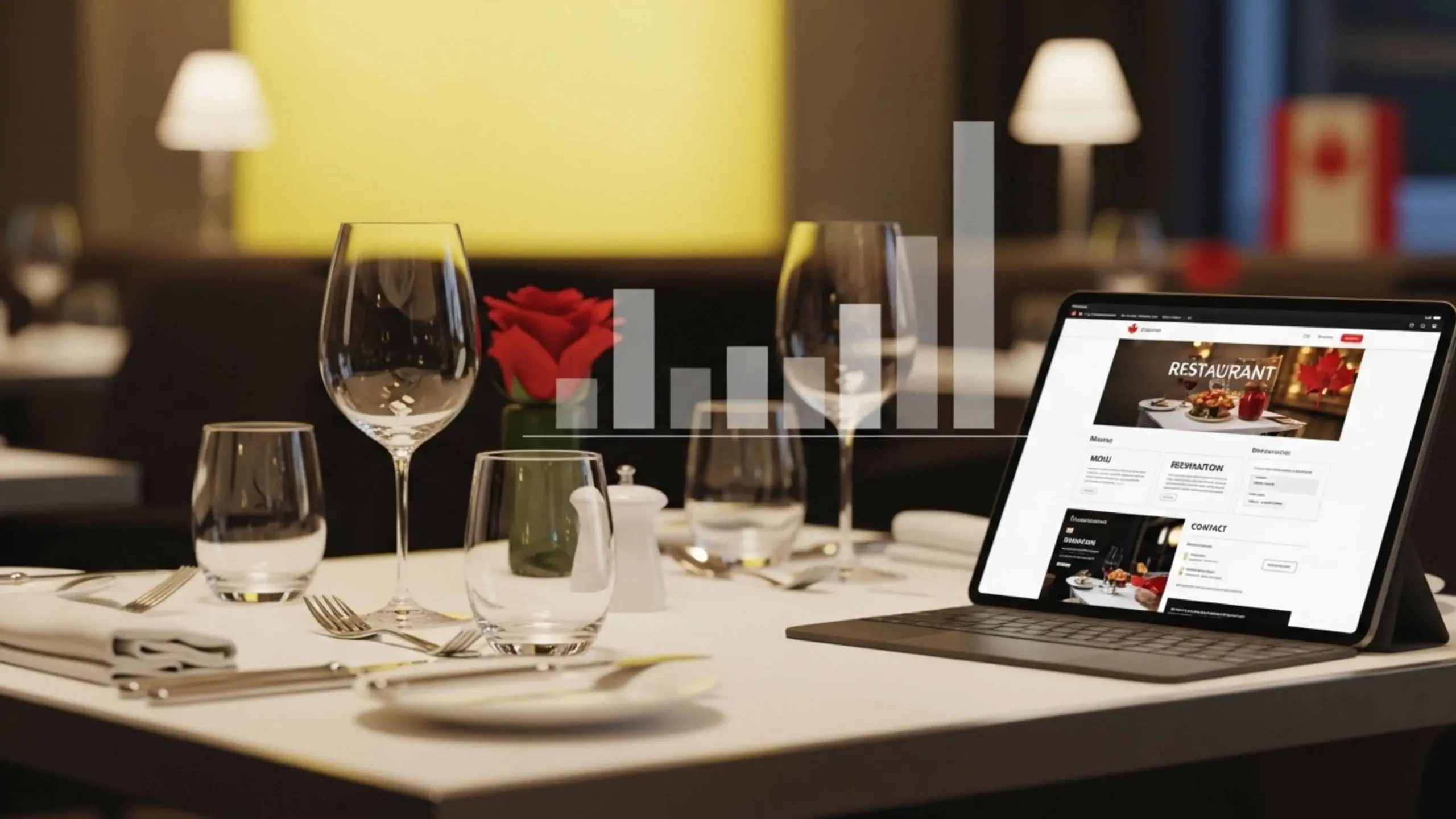
Canadian diners have changed how they choose where to eat. They Google restaurants before making reservations. They scroll through menu photos on Instagram. People expect to order takeout with a few taps on their phone.
This shift isn’t slowing down. According to Statista, revenue in the online food delivery market is expected to show an annual growth rate of 7.20% from 2026 to 2030, reaching a projected market volume of US$2.03 trillion by 2030. That’s massive growth. And it means one thing for restaurant owners. Your digital presence isn’t just a nice-to-have anymore. It’s essential.
But here’s where most restaurant owners hit a wall. They know they need a website. They understand online ordering matters. What they don’t know is what it actually costs. Should you spend $1,000 or $10,000? Do you need a custom menu system or will a template work? Is integrated ordering worth the investment?
The confusion is real. And expensive mistakes happen when you don’t have clear information.
This guide cuts through the noise. We’ll walk you through realistic pricing ranges for restaurant website design in Canada. You’ll learn what different menu systems cost and how they function. We’ll explain ordering technologies so you can find the best solutions. Most importantly, you’ll get tools to make smart, budget-friendly choices.
Restaurant Website Design Costs in Canada
You call a web developer and ask for a quote. They come back with $5,000. Seems reasonable. Then you call another one. They say $12,000 for the same thing. What’s going on? Website pricing confuses most restaurant owners.
Let’s make sense of the numbers. Here’s what most restaurants actually pay based on industry data and common market rates. These are typical ranges only. Depending on your needs and where you live, your actual quote may be different.
| Option | Price Range | What You Get |
| DIY Template | $500 – $1,500 | Squarespace or Wix template, basic pages, your own setup |
| Freelancer | $2,000 – $5,000 | Custom design, mobile optimization, basic SEO |
| Agency | $5,000 – $15,000 | Full team, custom features, strategy, ongoing support |
| Enterprise Custom | $15,000 – $50,000+ | Multi-location systems, advanced integrations, complete branding |
So you have multiple options. DIY website templates are good for small businesses that are just starting out. You pick a design and add your content. It’s functional but looks generic. Every customer can tell you used a template.
Freelancers give you something unique. A good freelancer makes sure everything works smoothly on phones and tablets. They set up basic SEO so people can find you on Google.
Agencies bring complete teams to your project. They have designers in the team. These professionals create layouts built around your goals. They have developers who add features that solve real problems. Strategists figure out what your customers actually need. The difference shows. These sites don’t just look good. They turn visitors into reservations and orders.
Enterprise builds make sense for restaurant groups managing multiple locations. Or unique concepts that need an online ordering system in Canada connected directly to kitchen displays and POS systems. You update one menu and it changes across five locations.
What Drives These Costs
It’s important to understand what affects your price. It helps you budget smarter for a restaurant website design in Canada and avoid surprises. Your feature list makes the biggest impact. A simple five-page site with your menu and contact form costs far less than a full ordering platform with payment processing. Every feature adds development hours. Want online ordering? Add $2,000 to $5,000. Need a reservation system? That’s another $1,000 to $3,000.
Design complexity matters too. Starting with a template and changing colors is cheaper than starting from scratch. You need to think honestly about what you need. A burger joint probably doesn’t need custom scroll animations. A high-end steakhouse might.
Integrations require serious technical work. Connecting your site to reservation platforms, POS systems, or email marketing tools takes custom coding. Each connection typically adds $500 to $3,000 depending on complexity. Some systems play nicely together. Others require heavy lifting to make them communicate.
Don’t forget the costs that keep coming. Hosting runs $15 to $100 monthly depending on your traffic. Maintenance and security updates cost another $50 to $300 per month. Your menu changes seasonally. The maintenance team needs to update that content regularly.
Here’s a practical guideline: take your annual revenue and multiply by 2% to 4%. That gives you a realistic website budget. A restaurant earning $400,000 annually should invest $8,000 to $16,000 in their online presence.
Most restaurant owners make one of two mistakes. They underspend and wonder why online orders stay flat. Or they overspend on features nobody actually uses. The sweet spot is matching your investment to real customer needs.
Calculate what features you genuinely need. Get quotes from three developers. Then decide based on value and long-term return, not just the lowest price tag.
Core Website Features That Directly Impact Restaurant Revenue
Your website looks beautiful on your laptop. Colors pop. Photos make people hungry. Then a customer tries to order from their phone while sitting on the bus. The menu won’t load. Buttons don’t work. They give up and order from your competitor instead.
This happens more than you think. Website features aren’t just nice design touches. They directly affect whether people actually order from you. Let’s break down what actually drives revenue.
Mobile-First Design Matters More Than Ever
Most of your customers browse on phones. They’re scrolling Instagram. They see your post. They click your link. What happens next determines if you get their order.
Google reports that 61% of users are unlikely to return to a mobile site they had trouble accessing. That’s not a small problem. That’s losing six out of ten potential customers because your site doesn’t work on phones.
A customer who can’t navigate your mobile site orders somewhere else. They probably won’t come back. You lose that sale today. You lose future sales too. Mobile design isn’t about looking modern. It’s about not losing half your revenue.
Your menu design on website needs to work perfectly on small screens. Buttons need to be thumb-sized. Text needs to be readable without zooming. Images need to load fast even on slower connections. A SaaS app development company building ordering platforms knows this matters. They build mobile-first because that’s where the orders come from.
Test your site on an actual phone. Not just the desktop preview. Pull it up on iPhone and Android. Try ordering something. If you get frustrated, your customers definitely will.
Speed and User Experience
Every second your site takes to load costs you money. Customers are impatient. They want information now.
Studies show that a one-second delay in page load time reduces conversions by 7%. Your site takes five seconds to load? You just lost 35% of potential orders. That adds up fast over a month.
Speed depends heavily on image optimization. Restaurant sites need lots of food photos. Big, beautiful, high-resolution images. But those massive files kill load times. Compress your images properly. Use modern formats like WebP.
Think about the customer journey too. They land on your homepage. Can they find your menu in one click? Or do they navigate through three pages first? Every extra click is a chance for them to leave. Make it easier to order.
Essential Functional Features
Five things are more important than everything else put together:
- Location maps – Add Google Maps to your site so that customers can see exactly where you are. Make it so they can click on it to get directions right away. People order from restaurants that are easy to find.
- Click-to-call – Mobile users should tap your phone number and call instantly. No copying and pasting. No memorizing numbers. One tap connects them to you for reservations or questions.
- Menu accessibility – Your menu needs to load fast and read clearly. Searchable menus help customers find dishes. Vegetarian, gluten-free, and vegan filters speed decision-making. Quick decisions bring more orders.
- Review integration – Display Google reviews on your site. Trust grows with social proof. Customers new to your business want reviews before buying. Good reviews in prominent places boost conversion rates.
- Analytics tracking – Install Google Analytics and track everything. Which pages get the most traffic? Where do people drop off? What device do they use? Data tells you what’s working and what’s broken.
Start with mobile-responsive design, fast loading speed, clear menus with prices, click-to-call numbers, location maps, and online ordering. These features bring customers and drive sales immediately. Everything else can wait.
Don’t waste money on fancy animations, photo galleries, or blogs if your menu loads slowly on phones. Get the fundamentals right first. Add optional features only after the basics work smoothly.
Menu Integration and Menu Website Design Options
Your menu is the most important page on your website. Customers visit to see what you serve and how much it costs. Yet many restaurants upload a PDF and call it done. That’s a mistake that costs you orders.
Static vs Dynamic Menus
You have three main options for displaying your menu online. Each works differently.
1. PDF Menus
PDF menus are simple. You upload your printed menu as a file. Customers download or view it. But PDFs don’t work well on phones. Users zoom to read tiny text. They can’t search for dishes. Google can’t read the content. You lose SEO value. Updating means creating a new PDF every time.
2. Website Menu
Website menus display directly on your pages. You list each dish with descriptions and prices. Customers scroll through organized sections. This works better on mobile. Text resizes automatically. Google indexes every dish. You rank for searches like “best carbonara downtown Toronto.” The downside? Manual updates if you lack a content management system.
3. CMS-based Restaurant Menus
CMS-based menus give you the best setup. You log in and edit dishes anytime. Change a price in two minutes. Add a seasonal special without calling your developer. Updates happen instantly. Most modern menu website design uses this approach because it’s flexible.
Why Interactive Menus Perform Better
Interactive menus convert browsers into buyers more effectively. Easy updates keep your menu accurate. Sold out of salmon? Remove it instantly. You can easily add new lunch special before the morning rush. Just like grocery app development enables real-time inventory updates, your menu needs the same flexibility.
SEO benefits compound over time. Google indexes every dish. Someone searches “gluten-free pasta near me” and your page appears. PDFs never rank for these searches.
Accessibility matters. Interactive menus work with screen readers. They support keyboard navigation. Text scales for people with low vision. PDFs create barriers.
Mobile usability drives orders. Interactive menus adapt to any screen size. Sections collapse and expand. Filters help customers find options quickly. Most people browse on phones. This flexibility means more completed orders.
Visual Strategy for Higher Conversions
Pictures make people hungry. Our brains process images 60,000 times faster than text. A photo of your burger triggers cravings instantly. Focus on strategy. Don’t photograph every dish. Shoot your top five sellers and most profitable items. Menu website design with strategic photography increases average orders by 20-30%.
Your menu hierarchy shapes what people order. Put high-margin items first. Use larger fonts for these dishes. Break menus into clear categories. Too many choices overwhelm customers. Limit each category to 7-10 items.
Pricing psychology influences perceived value:
- Remove currency symbols (write “15” not “$15”)
- Use charm pricing (14.95 instead of 15.00) for casual items
- Use round numbers (25 instead of 24.95) for premium dishes
- Avoid columns of prices
- Place prices at the end of descriptions
Allergen information builds trust. Mark common allergens clearly. This may include gluten, dairy, nuts, shellfish or eggs. Use consistent icons. Include a note about cross-contamination. This transparency helps people order confidently.
Dietary filters make decisions faster. Let customers click “vegetarian” to see relevant options. Add a “spicy” indicator. Include calorie counts if customers value health information. Easier decisions mean more orders.
Online Ordering Systems in Canada: Cost, Platforms, and Ownership
Most restaurants start with third-party platforms. Uber Eats, DoorDash, and SkipTheDishes are easy to set up. You upload your menu and orders start flowing. The problem? These platforms take 15-30% of every order. Most third-party delivery commissions can reach up to 30% per order.
Let’s do the math. You make $10,000 in monthly online orders through DoorDash. At 25% commission, you pay $2,500 every month. That’s $30,000 annually in fees alone.
Building your own online food ordering system in Canada gives you control. You keep nearly everything minus 2-3% payment processing fees. Two options exist: SaaS platforms or custom development.
Custom development costs $3,000-$20,000+ depending on features. Companies offering cross platform mobile app development services build exactly what you need. They can add loyalty points, custom delivery zones and catering option everything tailored to you. Food delivery website development becomes an investment that pays back through saved commissions.
Here’s the ROI. Restaurant A pays $3,750 monthly in commissions ($45,000 yearly). Restaurant B invested $8,000 in their own system and pays $350 monthly for hosting and processing ($12,200 yearly). It’s easy to understand how Restaurant B saves $32,800 in year one.
When should you switch? If you’re doing $3,000+ monthly in online orders, start planning. At $5,000+ monthly, you’re losing serious money. At $20,000+, owning your system isn’t optional.
Keep third-party platforms for discovery. But direct customers to order through your system next time. Offer a small discount. Most customers switch once they know the option exists.
Food Delivery Website Development vs Mobile Apps: What Restaurants Actually Need
You’re ready to take orders online. Then someone tells you that you need an app. Another person says just build a website. A third suggests doing both. Now you’re confused and your budget is sweating. Let’s clear this up with a simple truth. Most restaurants don’t need an app right away.
Websites reach everyone immediately. A customer searches for pizza near them. Your site appears. They click. They order. Done. No app store visit. No download waiting or “this app requires iOS 15” messages. Your mobile-optimized website works on every phone, tablet, and computer instantly.
Apps require commitment from customers. Think about your own phone. How many restaurant apps do you have installed? Maybe five? Probably just chains you order from constantly. Starbucks. Domino’s. Your favorite sushi spot, you hit every Friday.
Independent restaurants rarely earn that home screen real estate on day one. Customers need a reason to download. Usually, that reason is frequency. They order from you weekly or more often.
The cost difference is massive
A professional website with ordering features costs $3,000-$15,000. Food ordering app development for iOS and Android runs $10,000-$50,000. Then add $200-$500 monthly just to keep the app running and updated.
Here’s what you can do better. Start with a mobile-responsive website. Get ordering working smoothly. Build your customer base over 6-12 months. Track who orders repeatedly using your analytics.
Once you have 200+ customers ordering at least twice monthly, then consider an app. At that point you have proof people want it. Your investment pays back through increased order frequency.
Who needs both from the start?
Multi-location chains with loyalty programs. High-volume restaurants doing 100+ daily online orders. Brands with strong followings who ask for an app constantly.
Single-location spots? Website first. Always. Prove the model works. Then expand into apps when customer behavior justifies the cost. The biggest failure in restaurant tech is building things customers don’t use. Don’t spend $30,000 on an app that gets 50 downloads. Spend $5,000 on a website that processes 500 orders monthly.
Start where customers already are. Their mobile browsers. Earn their repeat business. Then give them an app they’ll actually open.
Conclusion: Investing in the Right Digital Foundation for Restaurant Growth
Stop thinking of your website as just another bill to pay. It generates revenue while you sleep. Orders come in at 2 AM. Reservations are booked during your day off. Professional restaurant website design turns browsers into paying customers around the clock.
Restaurants winning online own their systems. Third-party platforms take 30% of every sale. That adds up fast. Smart owners keep their profits. They control customer relationships. Direct ordering means higher margins.
A $10,000 website saves you $30,000 yearly in delivery fees. It pays for itself in four months. After that? Pure savings. That’s not spending money. That’s making money.
Build the basics first. Mobile design that works. Pages that load fast. Ordering that’s simple. Add fancy features later. Pair your site with strong social media management services to bring people in.
MM Nova Tech has helped dozens of restaurants grow revenue through smart digital investments. The winners don’t chase trends. They nail the fundamentals. Systems that work beat flashy features every time.
Your competitors are online already. You can invest strategically now or scramble to catch up later. The choice shapes your revenue for years. Make it count.